CSV Viewer
Open big CSV files fast, then sort, filter, edit and profile them.
- Platform
- Linux
- Version
- 2026-11-06
- Updated
- 6 Nov 2026
- Size
- 33 KB
Download
-
Linux
Download
Source and launcher script, with two sample files.
SHA-256 checksum
74487ae8a8247d879e7bfffe39d44cd36695d5cf7c3e6ab66a3be2c25fbfda1bCheck the file after downloading with
sha256sum csv-viewer-2026-11-06.tar.gz.
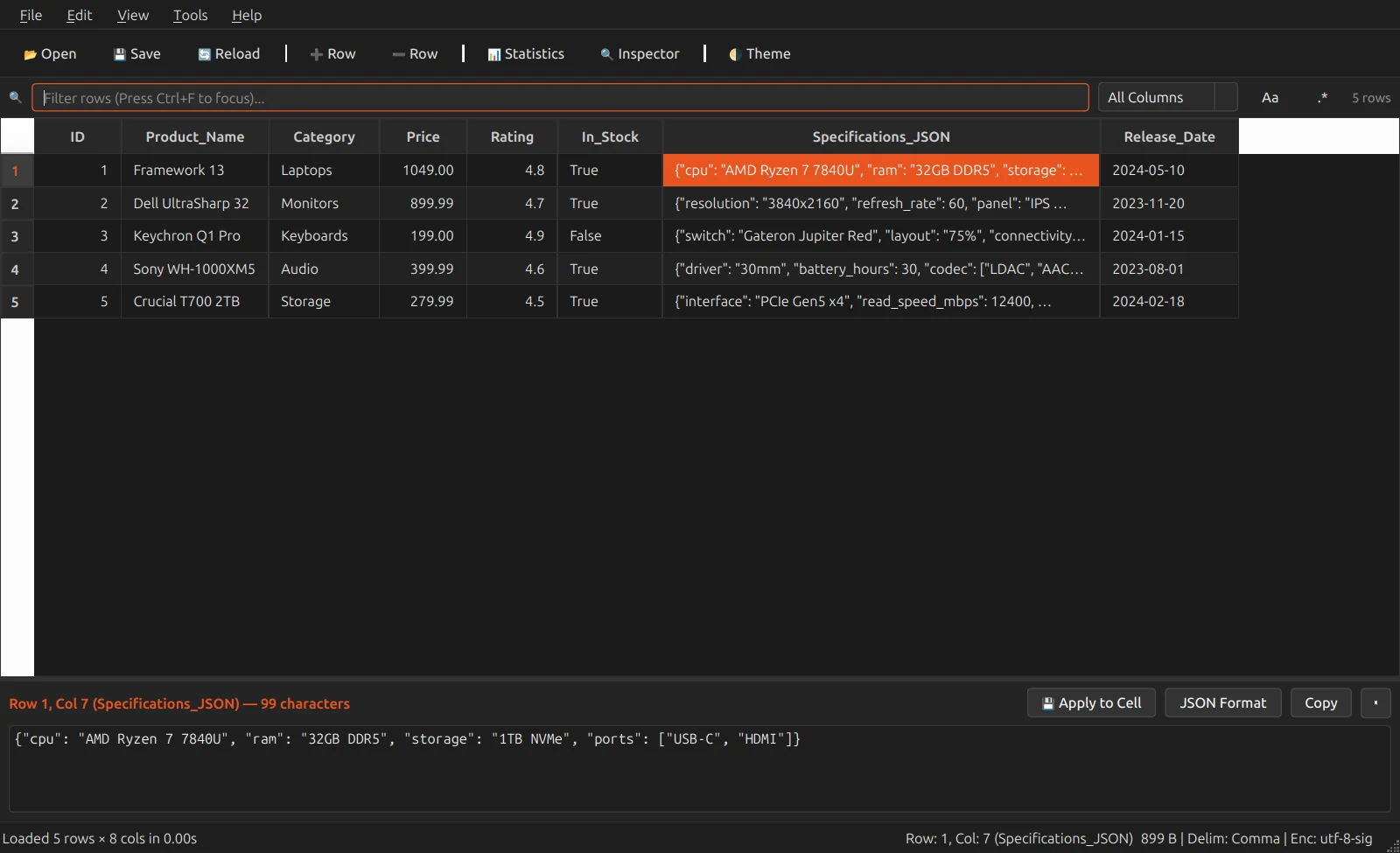
A viewer and editor for CSV and TSV files, built for Ubuntu with Qt. It draws only the rows on screen, so files with 100,000 rows or more scroll smoothly, and it works out the delimiter and the text encoding for you.
Click a header to sort; prices, percentages and plain numbers sort as numbers. Type in the filter bar to narrow every column at once, or one column, with case matching and regular expressions if you want them.
What it does
- Edit cells in place, add or delete rows and columns, and save to the same file or as a new version
- Sort and filter across all columns or just one, with regular expressions
- Column statistics: type, fill rate, unique values, min, max, mean, median and the five most common values
- A cell inspector that pretty-prints JSON and edits long text
- Detects comma, tab, semicolon and pipe delimiters, and UTF-8, Latin-1 and CP1252 text
- Export what you see to CSV, TSV, JSON or a Markdown table
- Dark and light themes, drag and drop, and Open With from the Files app
Install
-
Extract the download and open the folder.
tar xzf csv-viewer-2026-11-06.tar.gz cd csv-viewer-2026-11-06 -
Install PyQt6.
sudo apt install python3-pyqt6 -
Try it on the sample file, then add it to your Applications menu.
python3 app.py sample_data/sales_demo.csv
./install_desktop.sh
You need
- Ubuntu (GNOME, Wayland or X11)
- Python 3 and PyQt6
Good to know
- The program stays where you extracted it: the csv-viewer command and the menu entry point into that folder.
More screenshots
-
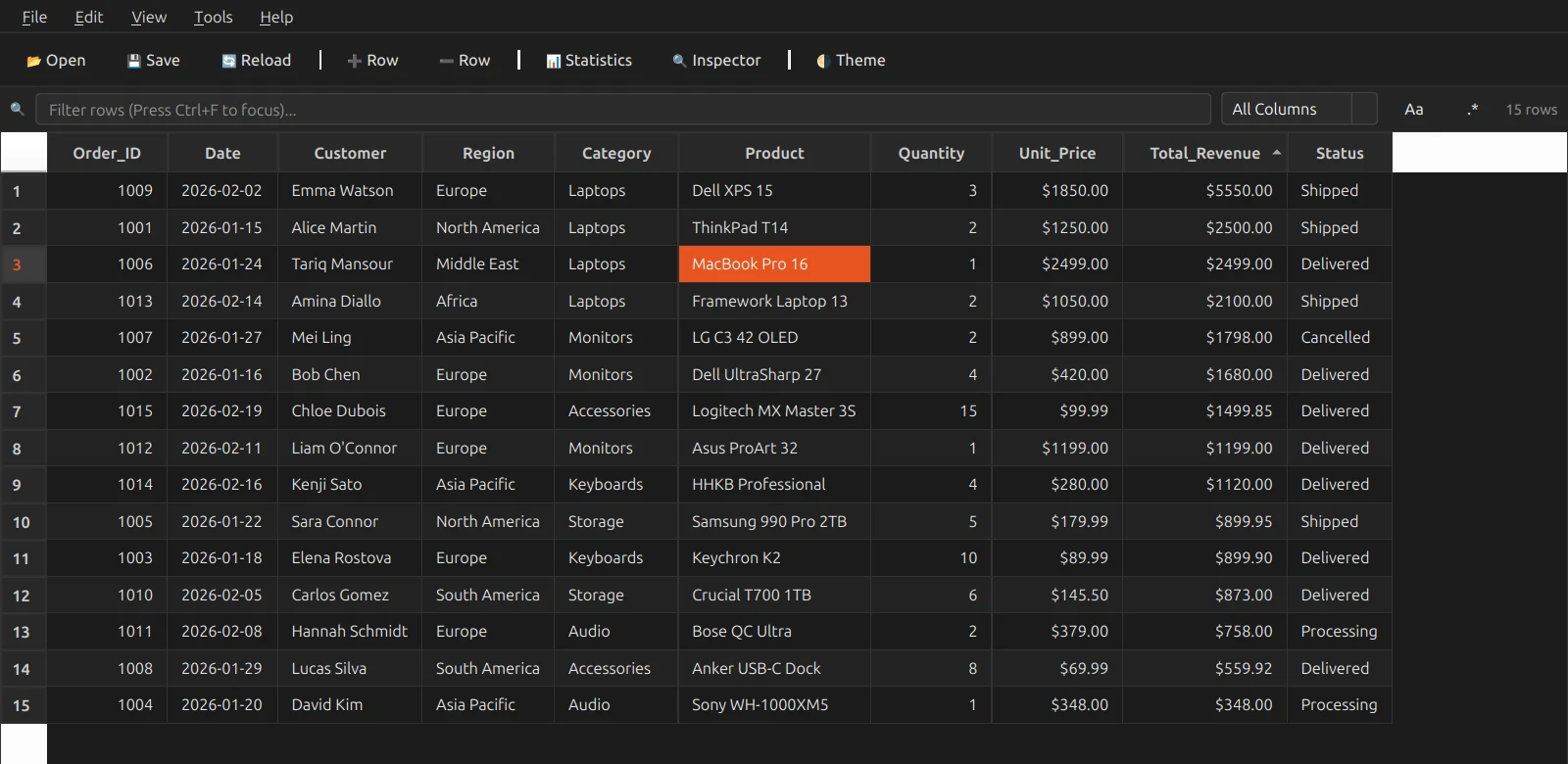
Sorting. Money sorts as numbers, so 2,500 comes before 899. -
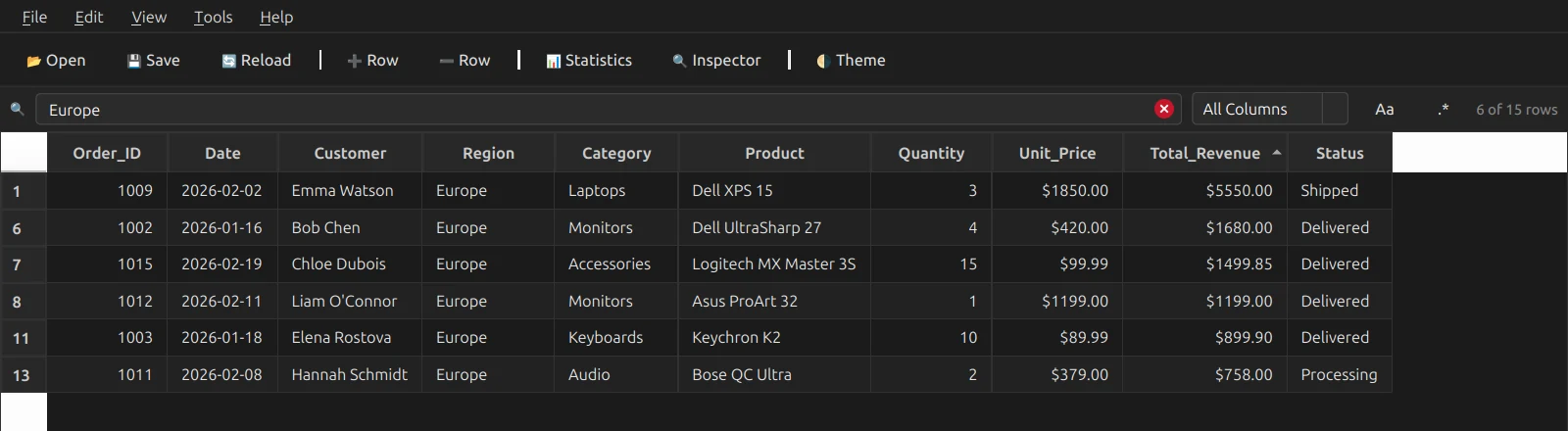
Filtering. 6 of 15 rows match “Europe”. -
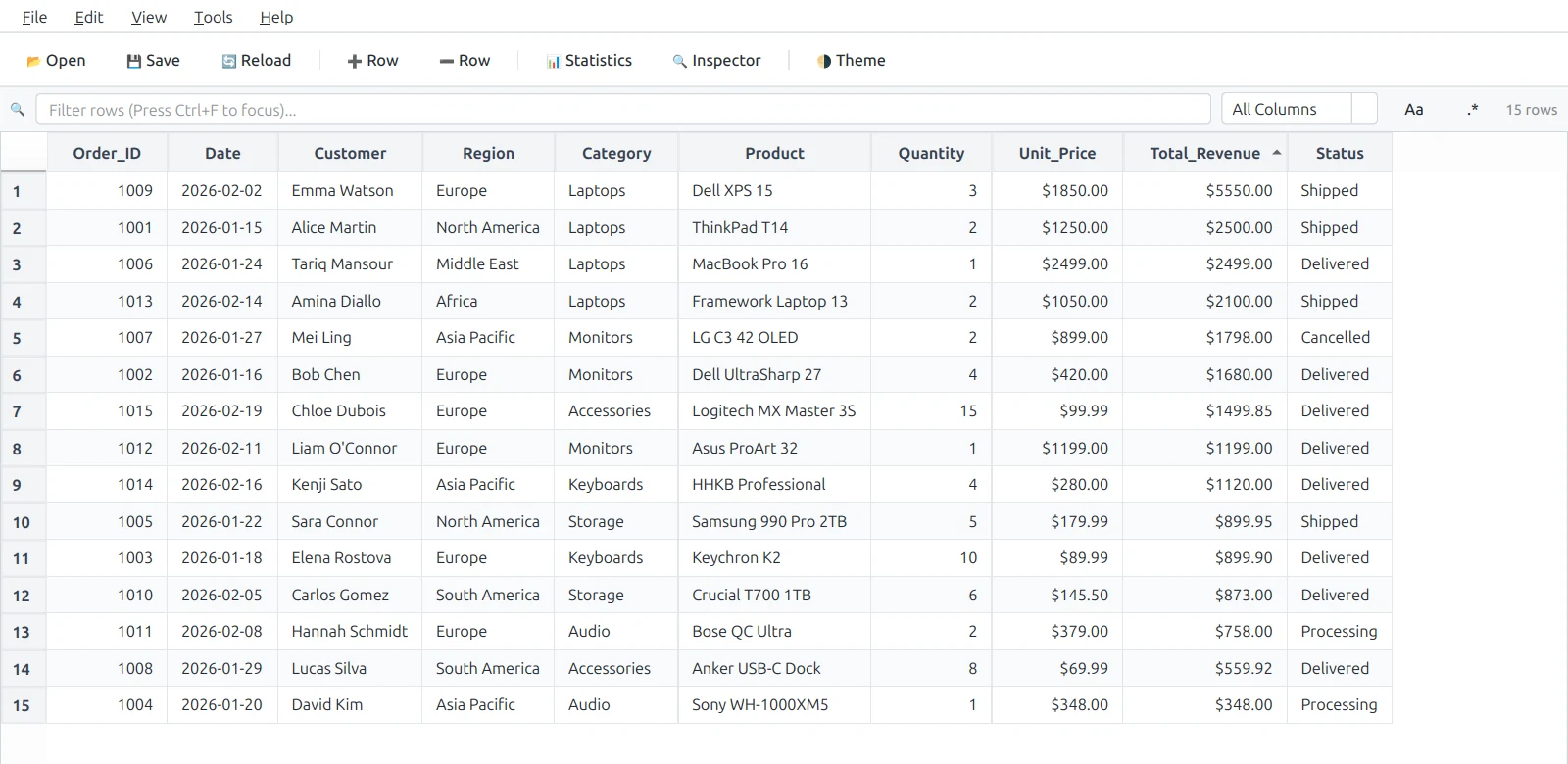
The light theme, one keypress away. -
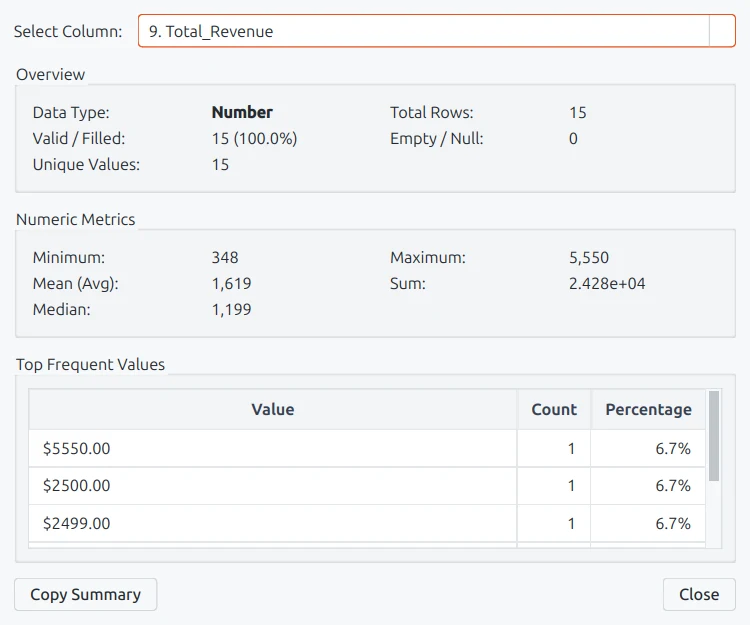
Column statistics for the revenue column.
Screenshots use the sample files in the download.